BlackJesus
|Bengals o Muerte|
-
Joined
-
Last visited
Everything posted by BlackJesus
-
 Nope. They would have just wasted a first round pick for nothing. If they want to trade his rights they can still do so until August 5th of this year. After that they either have to sign him or he becomes free at the end of this season to be redrafted.
Oh I'm sure that nobody OCD obsesses over team uniforms, helmets, stadiums, and fields, like I do. Aesthetics in all forms of life is like half of what I think about. 🥸
You do a nice job keeping us all updated Griever, its much appreciated. You on mini & training camps is like me on new draft picks. 😉 All part of what makes this forum my first go-to in order to stay informed.
Full breakdown by Florio (worth watching) Shemar Stewart blasts Bengals as contract dispute continues _ Pro Football Talk _ NFL on NBC - Trim.mp4
Mind you, the Bengals didn't put this "void all future years" clause in the Ja'Maar and Tee contracts which they could have. Maybe they tried. But I would imagine Agent Rocky told them to go fuck themselves. In this case, I would guess that Shemar's agent yes is kind of a dick (which was reported pre-draft) and so they tried to sneak it in on him and then got pissy when he rightfully stood his ground.
Many teams use a clause that allows them to void the current year the player is in for an infraction. But only that one year. The Bengals likely saw Deshaun Watson ratfuck the Browns and want to make a new precedent that the entire contract can be tossed out. But then they are not really "guarantees" if they can be taken away.
I don't think so. The Bengals basically want a very expansive clause that allows them to void all future years (2024, 2025, 2026, 2027) if he "breaches" the contract and has any infractions. These can be as wide-ranging as being injured in off the field activities. And the Bengals have NEVER used such language in any of their rookie contracts or veteran ones. But now they want to. But you don't stupidly start that with your rookie DE who needs reps to cover for your other DE who is holding out.
Even if other team's may use similar default language, the fact is the Bengals have not used it before. So why for the mother of God would they decide to set a NEW precedent with a rookie, who just happens to play the exact position as their pro bowl player who is also holding out ?! 😵 You set these kind of precedents with a veteran player or perhaps with a rookie you took a risk on with character concerns (Burton). Shemar didn't need them to do anything different with him than they did with Mims. This isn't the time to get cute.
There is murmurs that his camp has looked into what options he has to not sign and just enter next year's draft. It's like this front office is trying to raise my blood pressure. For fucks sake.
Nope. They would have just wasted a first round pick for nothing. If they want to trade his rights they can still do so until August 5th of this year. After that they either have to sign him or he becomes free at the end of this season to be redrafted.
Oh I'm sure that nobody OCD obsesses over team uniforms, helmets, stadiums, and fields, like I do. Aesthetics in all forms of life is like half of what I think about. 🥸
You do a nice job keeping us all updated Griever, its much appreciated. You on mini & training camps is like me on new draft picks. 😉 All part of what makes this forum my first go-to in order to stay informed.
Full breakdown by Florio (worth watching) Shemar Stewart blasts Bengals as contract dispute continues _ Pro Football Talk _ NFL on NBC - Trim.mp4
Mind you, the Bengals didn't put this "void all future years" clause in the Ja'Maar and Tee contracts which they could have. Maybe they tried. But I would imagine Agent Rocky told them to go fuck themselves. In this case, I would guess that Shemar's agent yes is kind of a dick (which was reported pre-draft) and so they tried to sneak it in on him and then got pissy when he rightfully stood his ground.
Many teams use a clause that allows them to void the current year the player is in for an infraction. But only that one year. The Bengals likely saw Deshaun Watson ratfuck the Browns and want to make a new precedent that the entire contract can be tossed out. But then they are not really "guarantees" if they can be taken away.
I don't think so. The Bengals basically want a very expansive clause that allows them to void all future years (2024, 2025, 2026, 2027) if he "breaches" the contract and has any infractions. These can be as wide-ranging as being injured in off the field activities. And the Bengals have NEVER used such language in any of their rookie contracts or veteran ones. But now they want to. But you don't stupidly start that with your rookie DE who needs reps to cover for your other DE who is holding out.
Even if other team's may use similar default language, the fact is the Bengals have not used it before. So why for the mother of God would they decide to set a NEW precedent with a rookie, who just happens to play the exact position as their pro bowl player who is also holding out ?! 😵 You set these kind of precedents with a veteran player or perhaps with a rookie you took a risk on with character concerns (Burton). Shemar didn't need them to do anything different with him than they did with Mims. This isn't the time to get cute.
There is murmurs that his camp has looked into what options he has to not sign and just enter next year's draft. It's like this front office is trying to raise my blood pressure. For fucks sake.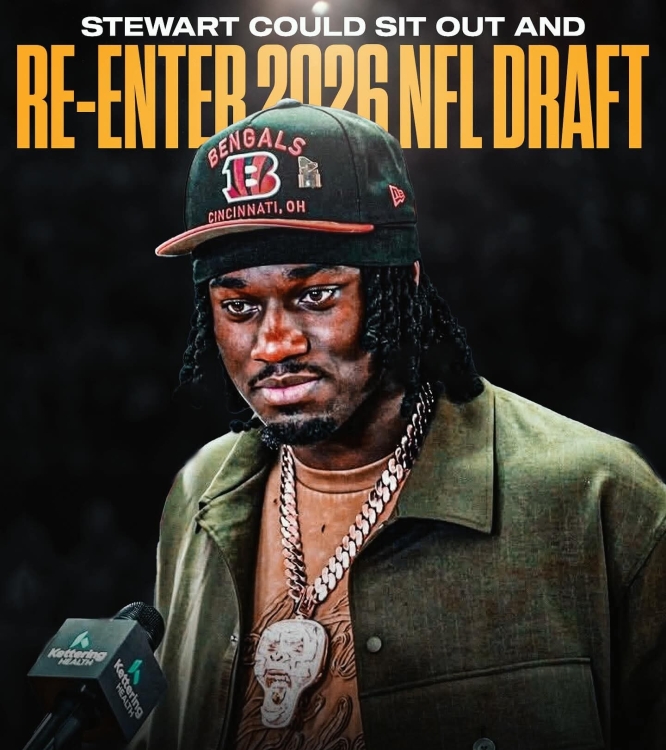 This entire situation is such an idiotic instance of shooting yourself in the foot by the front office. Now both potential starting DEs are at home instead of the practice field. Bengals fans deserve better than this.
UnfuckinBelievable! 😡 But totally predictable at this point. Now he's not even there!
This entire situation is such an idiotic instance of shooting yourself in the foot by the front office. Now both potential starting DEs are at home instead of the practice field. Bengals fans deserve better than this.
UnfuckinBelievable! 😡 But totally predictable at this point. Now he's not even there!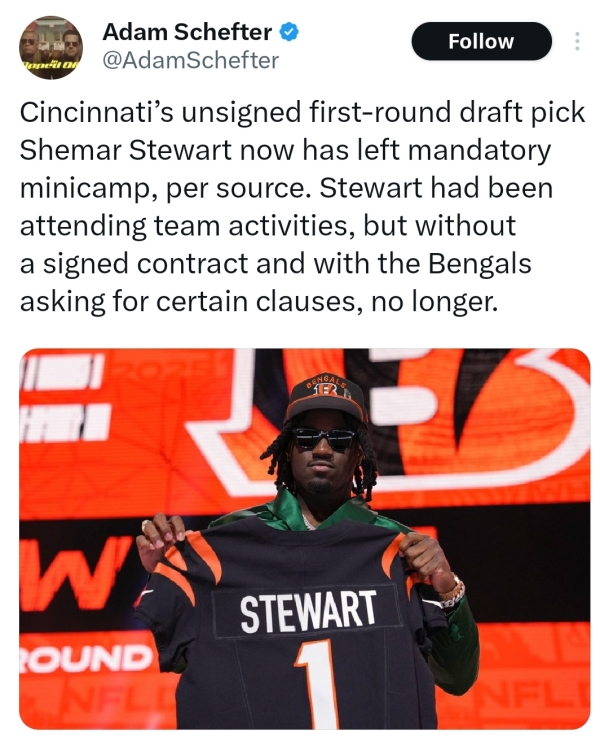 -3KR390P8GSqvZEP.mp4
 Thankfully Shemar is still putting in work 💪🏾 YouCut_20250611_190909025.mp4
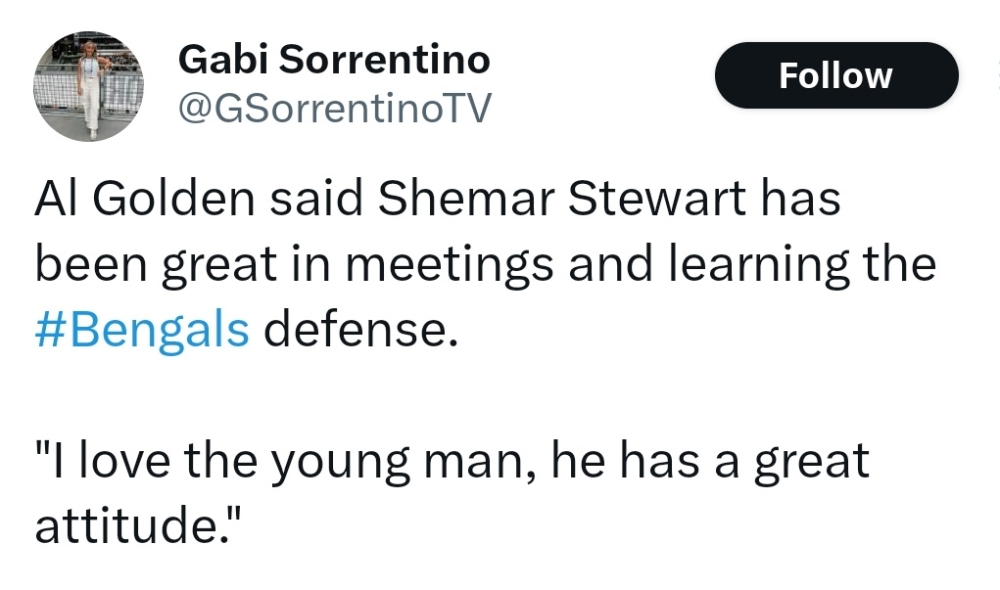
 Comments like this from Golden make this entire ordeal even more maddening ...
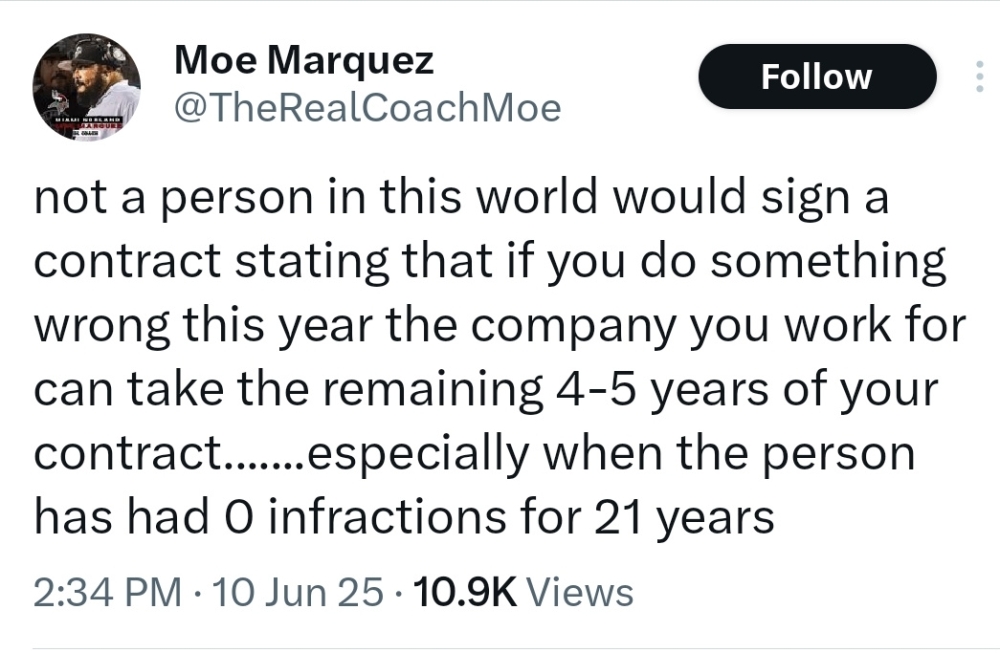
 Shemar's father weighs in ... What a shitshow the front office has created. 😡
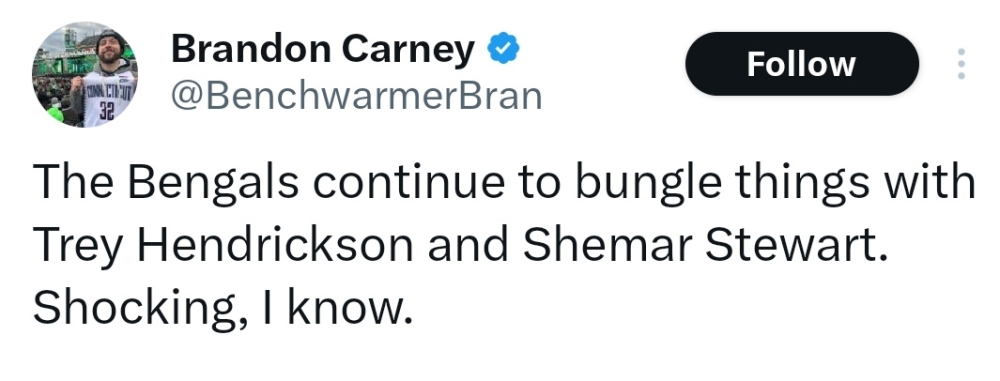
 Ox5kLJHGsgrMKwF-.mp4
 YouCut_20250611_182753829.mp4
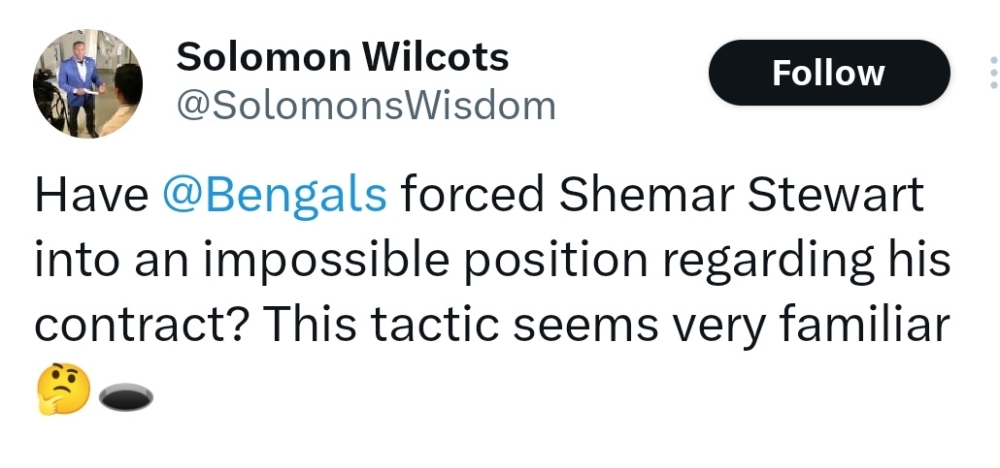 Let's hope so, because right now hope for this defense is fading fast.
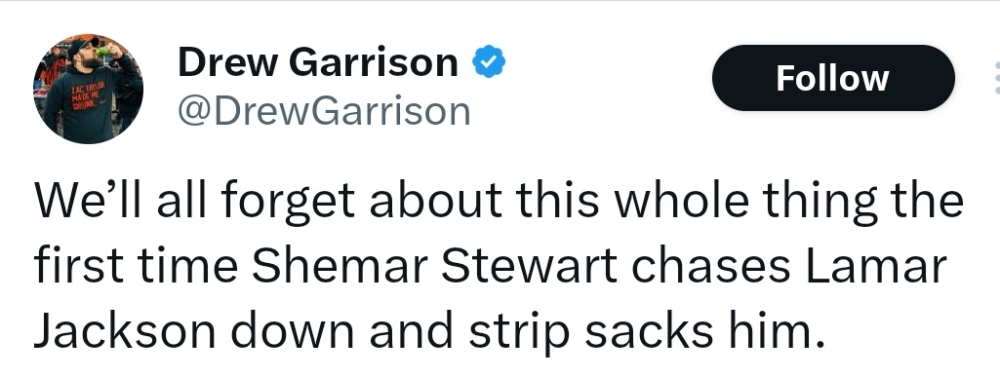 AQOyfxOe-g5G1ro8btTCuYM7A_RNu2b0XvTg4coRGGyqe6WVSmGx9ssscw1bkg5qZKdc_e-nYV0-v-6CrP7g2VjH.mp4
His agent will remember that in negotiations when it's time to extend him.
Shemar is the only one not practicing of the unsigned. Essentially holding in. Which the rookie guaranteed scale was supposed to prevent. But the Bengals are threatening those guarantees by wanting to insert a clause that negates them.
AQOyfxOe-g5G1ro8btTCuYM7A_RNu2b0XvTg4coRGGyqe6WVSmGx9ssscw1bkg5qZKdc_e-nYV0-v-6CrP7g2VjH.mp4
His agent will remember that in negotiations when it's time to extend him.
Shemar is the only one not practicing of the unsigned. Essentially holding in. Which the rookie guaranteed scale was supposed to prevent. But the Bengals are threatening those guarantees by wanting to insert a clause that negates them.